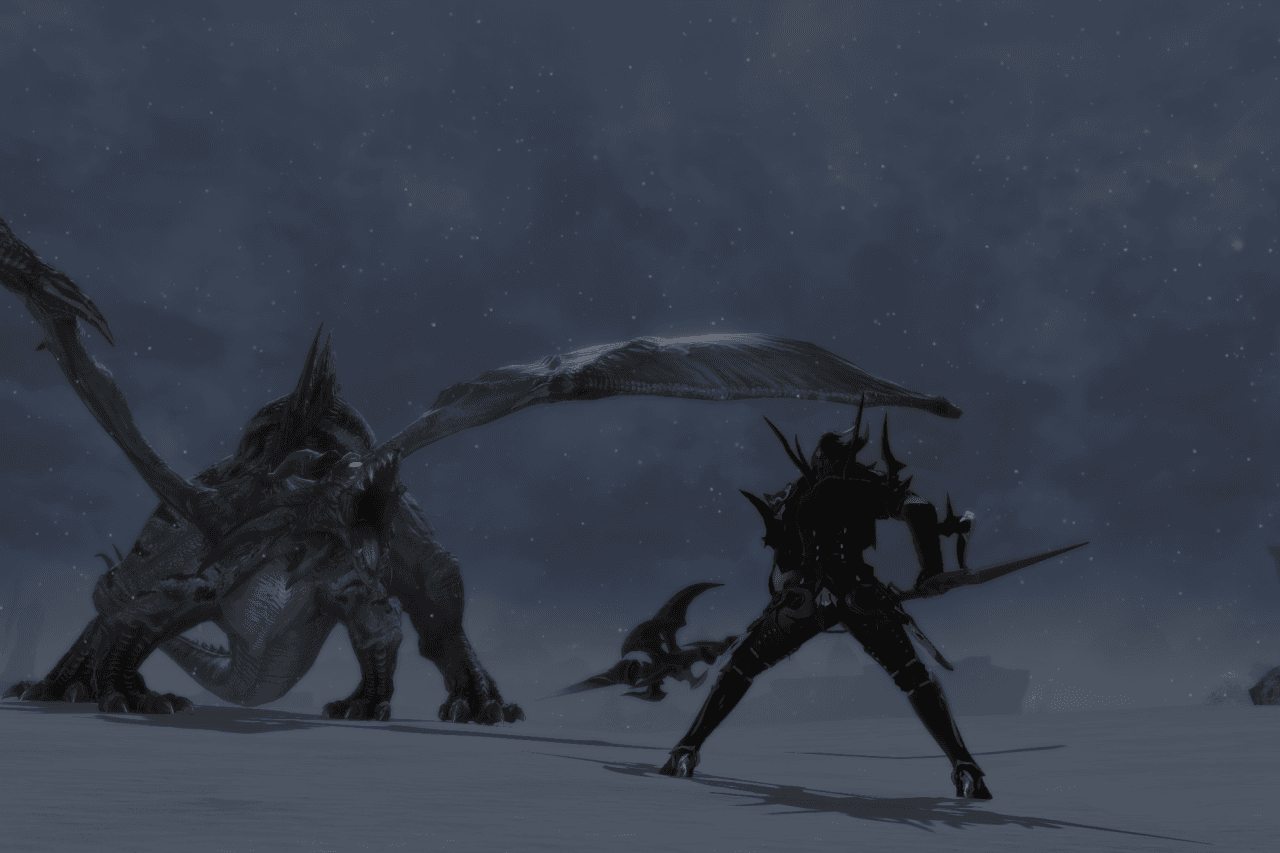
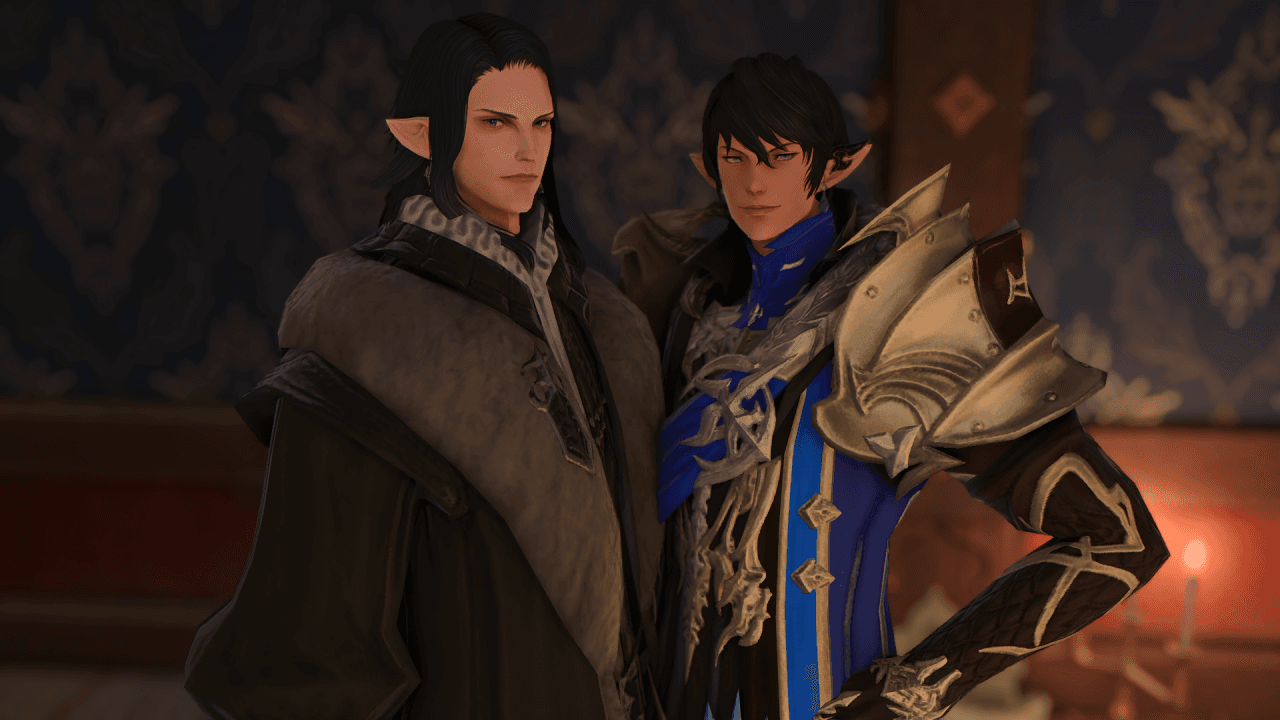
In your first scene tonight.
The install is a single click. The hard part is choosing your starting class — and even that can be undone.
Download the Client
Choose your platform. The launcher will handle patching, login, and your first character creation flow.
By downloading, you agree to the realm Code of Conduct. First time? See our FAQ.
Runs on most modern rigs.
If you're playing the official FFXIV client today, you can play Eorzea Reborn.
Minimum
- CPUIntel Core i5-2500K / AMD FX-8350
- Memory8 GB RAM
- GraphicsNVIDIA GTX 970 / AMD RX 480
- Storage80 GB available
- NetworkBroadband internet
- OSWindows 10/11 · macOS 12+ · Linux (Proton)
Recommended
- CPUIntel Core i7-9700K / AMD Ryzen 7 3700X
- Memory16 GB RAM
- GraphicsNVIDIA RTX 3060 / AMD RX 6700
- Storage120 GB SSD
- Network100 Mbps+ recommended
- OSWindows 11 · macOS 14+
From download to first scene.
Most players are roleplaying within 45 minutes of starting the download.
- 01
Download the client
Grab the latest launcher from the download box below. The download is roughly 12 GB on first install.
- 02
Verify the install
Run the installer. On first launch it will check file integrity and patch to the current version.
- 03
Create your character
Choose race, class, and the starting city-state. Don't overthink it — your story can change everything later.
- 04
Read the realm primer (15 min)
Inside the launcher you'll find a short PDF: the consent system, the calendar, current arcs, and how to find a scene tonight.
- 05
Join the Discord
All scene planning, GM announcements, and player matchmaking happens in Discord. Link is in the launcher.
- 06
Walk into your first scene
Step into the Quicksand tavern in Ul'dah — there are always introduction scenes running there. Say hello in /say.
That's it — you're in the realm.
If anything went sideways, the troubleshooting section below covers the usual suspects.
When things go sideways.
Tap a question for the fastest known fix. Stewards in Discord handle anything not listed here.
A Steward can usually unstick you in under five minutes.